Practical digital toolkits

Make room for a steadier week.

Thoughtful tools for realistic planning and more deliberate study. Choose the routine you want to strengthen, and take it one clear step at a time.

Explore the toolkits

Simple tools. Steady progress.

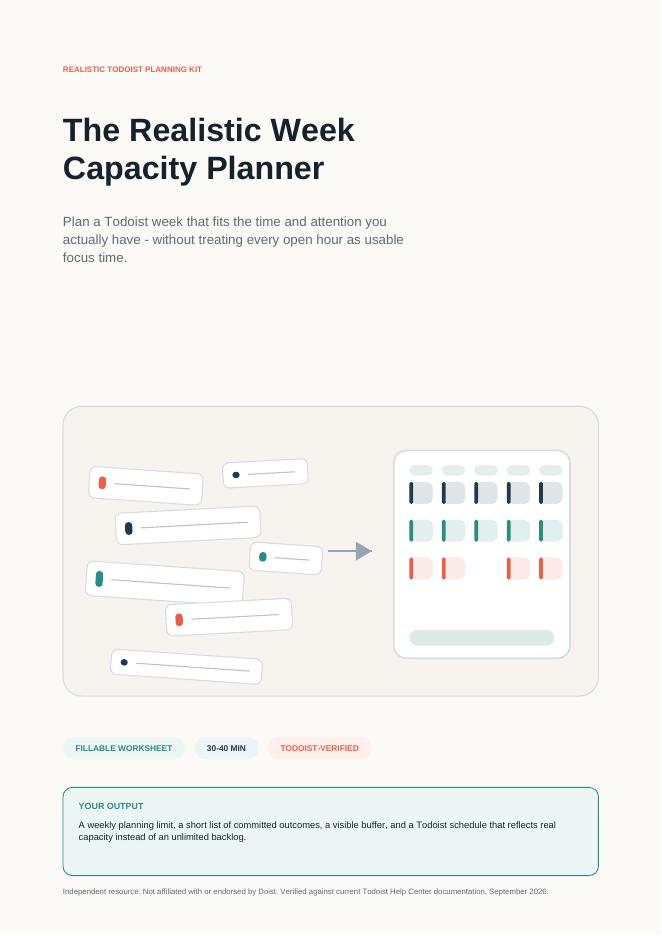
Preview of the Realistic Week Capacity Planner
Actual planning kit preview

Illustrative study example

QUESTION 04

What is opportunity cost?

Answer unaided → check the source → record the gap → practise again

Illustrative study example

Choose your focus

Two ways to make progress more deliberate.

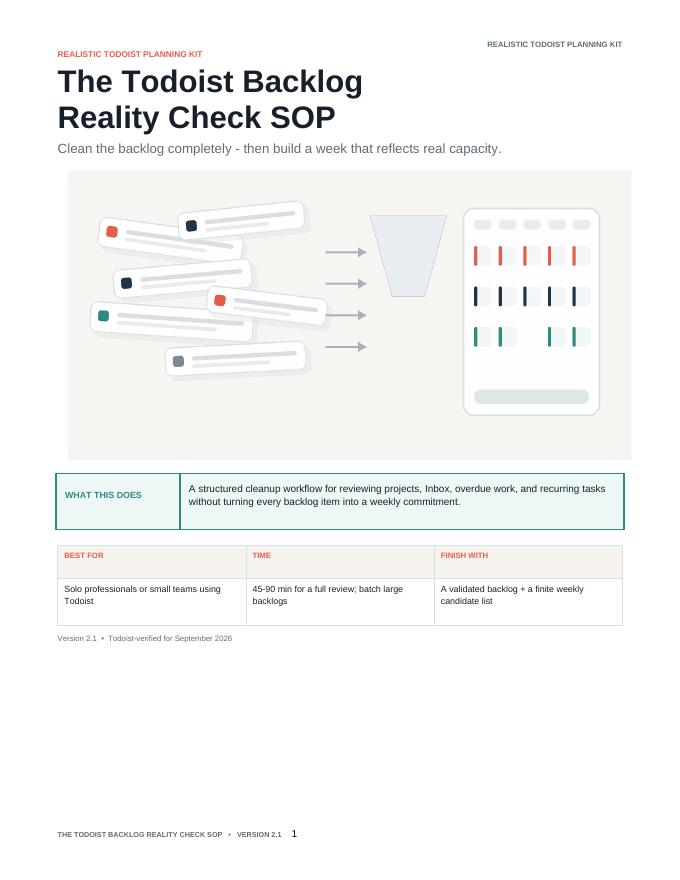
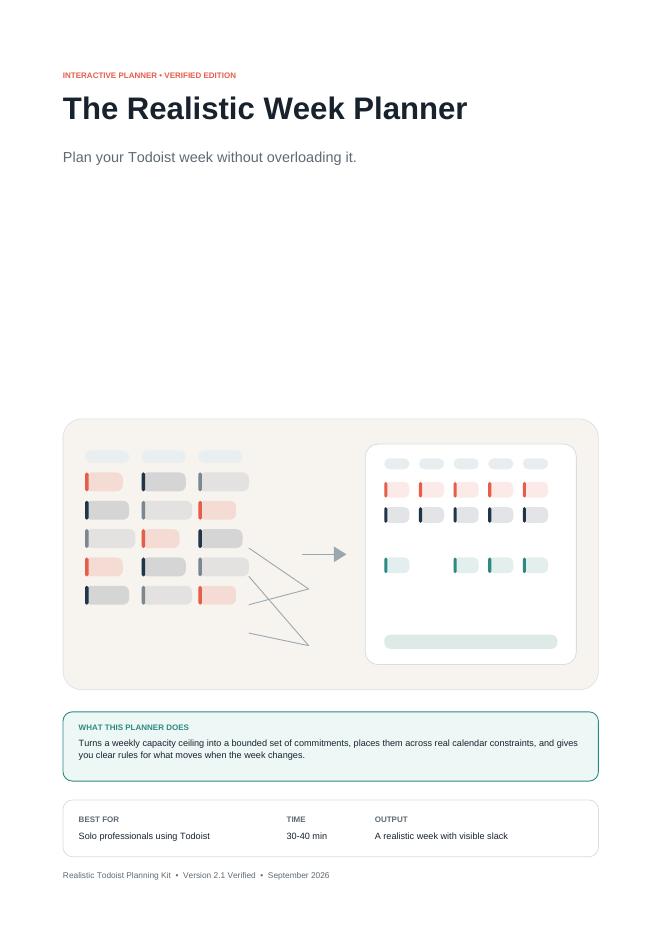
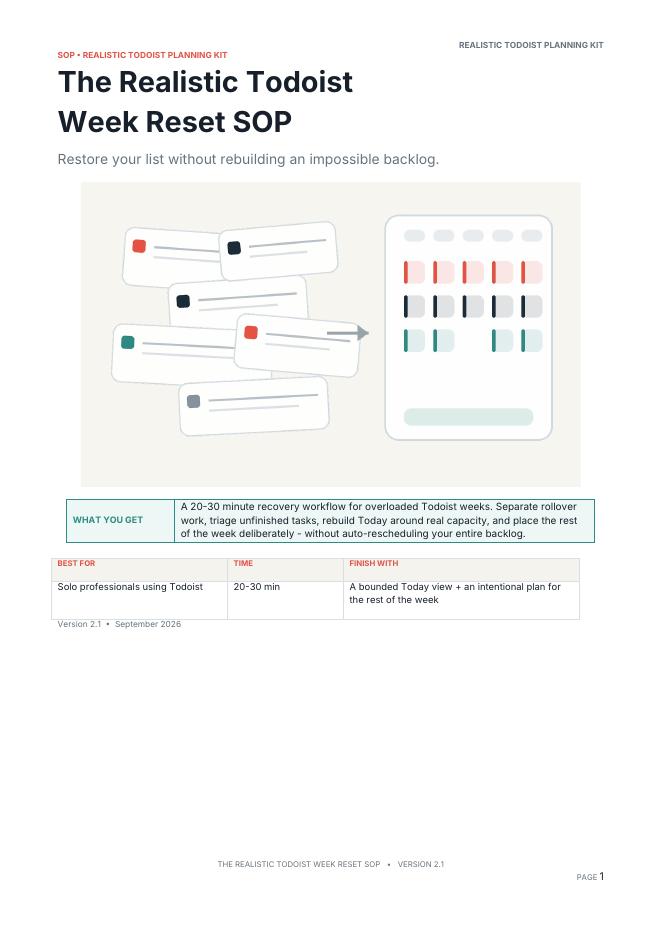
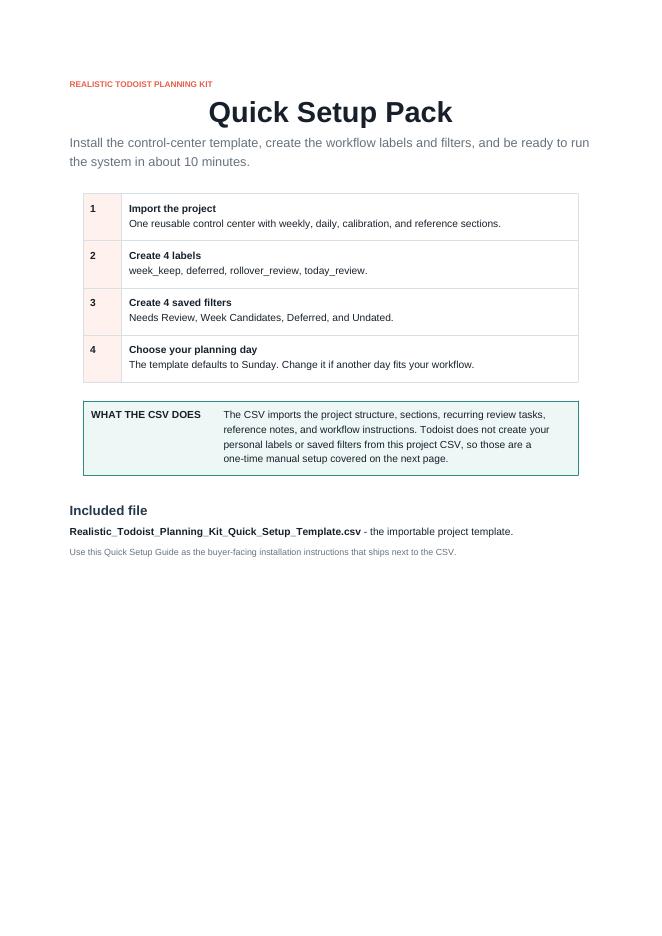
Backlog Reality Check SOP previewRealistic Week Capacity Planner previewRealistic Week Planner previewWeek Reset SOP previewQuick Setup Guide preview

Plan your work

Realistic Todoist Planning Kit

Build a weekly plan around the time and attention you actually have. Review your backlog, estimate focus capacity, protect a buffer, and reset when plans change.

  • Review overdue work and clarify what still matters.
  • Estimate usable focus time and reserve a buffer.
  • Choose commitments and reset unfinished tasks deliberately.
Format
5 PDF resources + 1 importable CSV template
Best for
Todoist users managing a busy working week.
Explore the planning kit

Todoist account required. Subscription not included.

RECALL NOTE?CHECK

Practise what you learn

AI Recall Study Mastery Kit

Turn your own notes into a structured study routine: create questions, attempt answers unaided, check against sources, record gaps, and choose the next practice step.

  • Turn your own notes into focused recall questions.
  • Compare unaided answers with your source material.
  • Record gaps and choose a targeted follow-up practice.
Format
5 editable Word documents
Best for
Students and self-learners with their own course notes.
View on Whop

Dedicated product page coming soon.

Bring your own notes, AI chat tool, and Word-compatible editor.

A quick comparison

Which toolkit fits your week?

01

Too many tasks or overdue work?

Use the planning kit to review what is already on your plate, estimate capacity, and decide what fits.

Explore Todoist planning
02

Notes feel familiar, but answers are difficult unaided?

Use the study kit to turn your material into questions, check answers, and direct your next practice.

Explore AI Recall

See the routine in practice

Two practical examples.

Illustrative planning example

Subtract first. Commit second.

  1. 8 hworking hours
  2. − 4 hfixed responsibilities
  3. ≈ 3 hfocus time after routine overhead
  4. − 1 hbuffer reserved
  5. = 2 hplanned commitments

Each time cost is counted once.

Illustrative study example

Opportunity cost

  1. QuestionWhat is the opportunity cost of a choice?
  2. Common mistakeAdd every alternative that was not chosen.
  3. Source checkOnly the value of the next-best alternative counts.
  4. Record the gapConfused all alternatives with the best forgone one.
  5. Next practiceAnswer a new scenario unaided before checking.

Watch the routines

See each toolkit in context.

Realistic Todoist Planning KitPlanning around real capacity.
AI Recall Study Mastery KitTurning notes into deliberate recall practice.

Our approach

A little structure.
A clearer next step.

Good tools help you see the situation, make a considered choice, and keep going.

  1. 01

    Start with what is real

    Begin with the time available or the course notes you actually have.

  2. 02

    Make one deliberate decision

    Choose your commitments or attempt an answer before looking it up.

  3. 03

    Review and adjust

    Reset plans when the week shifts or revisit the knowledge gaps you find.

From choice to practice

Straightforward from the start.

  1. 1

    Choose a toolkit for the routine you want to strengthen.

  2. 2

    Purchase through Whop on the toolkit’s product page.

  3. 3

    Access your resources and use them at your own pace.

Useful details

Questions, answered simply.

Choose your next step

Start with the routine that needs more clarity.

Explore Todoist planningView AI Recall on Whop